Cortex
One place for the whole agency: projects, logged hours, clients, incoming mail, and the sites we take care of.
Over five years of freelancing I've tried Notion, Asana, Basecamp, Linear, and ClickUp. Same story every time — a few weeks of enthusiasm, then I discover that half of what I do the template doesn't want to see, and the other half it demands differently. A SaaS template is a rented suit: it either fits or it squeezes.
So I gradually started writing my own system. Now there's no friction. I know exactly where everything goes, because I'm building it for myself and my team. Every month I add the piece that was missing.
Snapshot at publishing
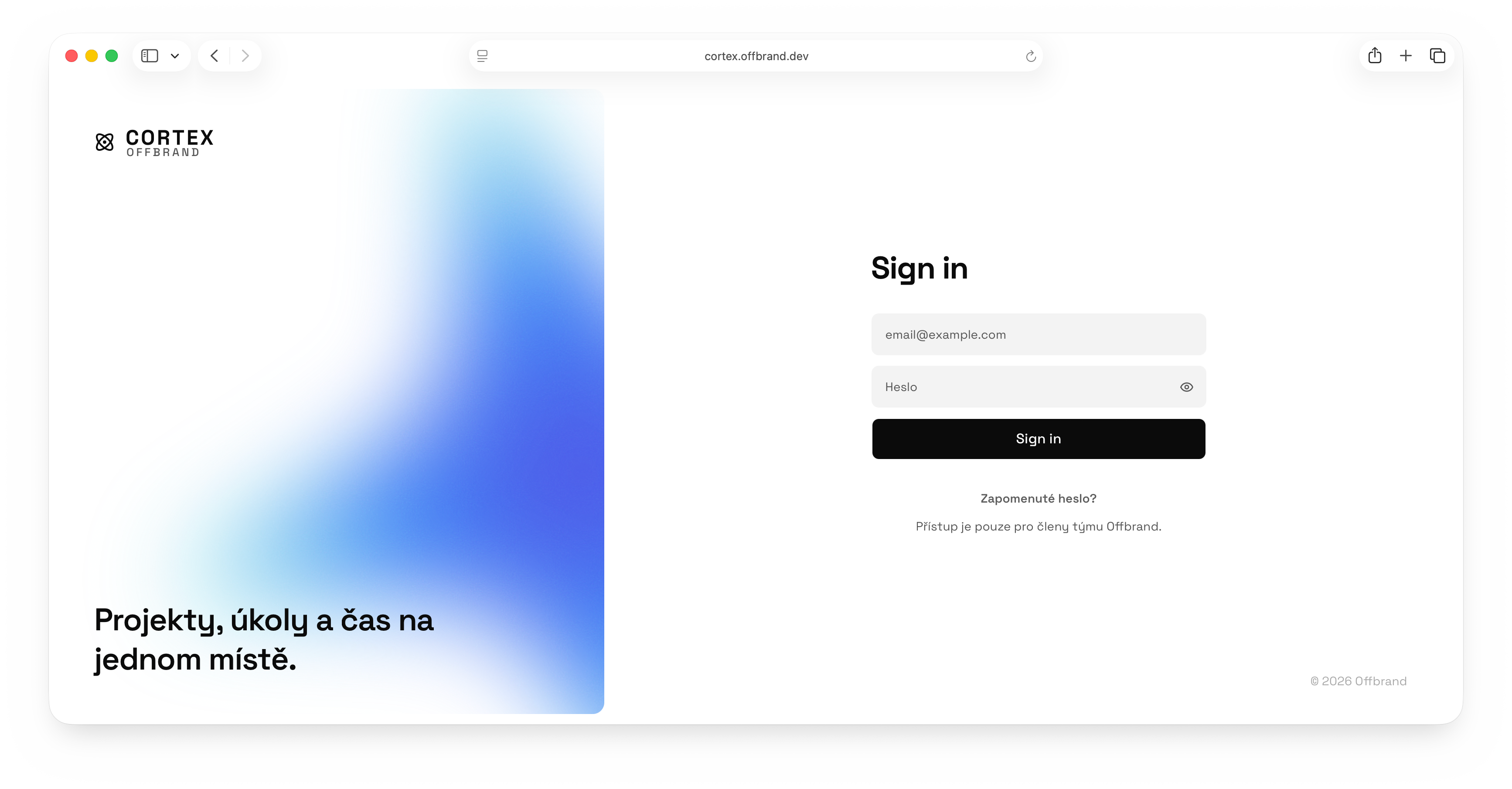
Where this all came from
Before Cortex I felt buried under email. Something was always coming in, something was always slipping, I had no overview. You open your inbox, find three new things from two clients, and before you note them down a fourth arrives. I'd start every day feeling behind and not knowing exactly where.
Today Cortex goes through my inbox for me. A new email is filed straight away. It recognises whether it's a lead, a change request, or a task, and suggests what to do with it. I see when things came in and when they were caught. Nothing falls through just because I happened to be in another project.
What's in it for you
Cortex is our internal system, but a slice of it spills into your experience when we work together.
Your email won't get lost
The moment you write to us, the message gets filed under your project — even if we're working on something else. You don't have to repeat the same request three times; nothing gets lost between newsletters.
A monthly report on its own
When we maintain your site, you get an automatic monthly overview: performance, backups, what we've updated, whether it all ran smoothly. You don't have to ask for it.
Assets without an account
Send us photos, logos, and documents through a simple link. No creating an account in yet another cloud, no 7z archives over Gmail.
A project as a process, not a todo list
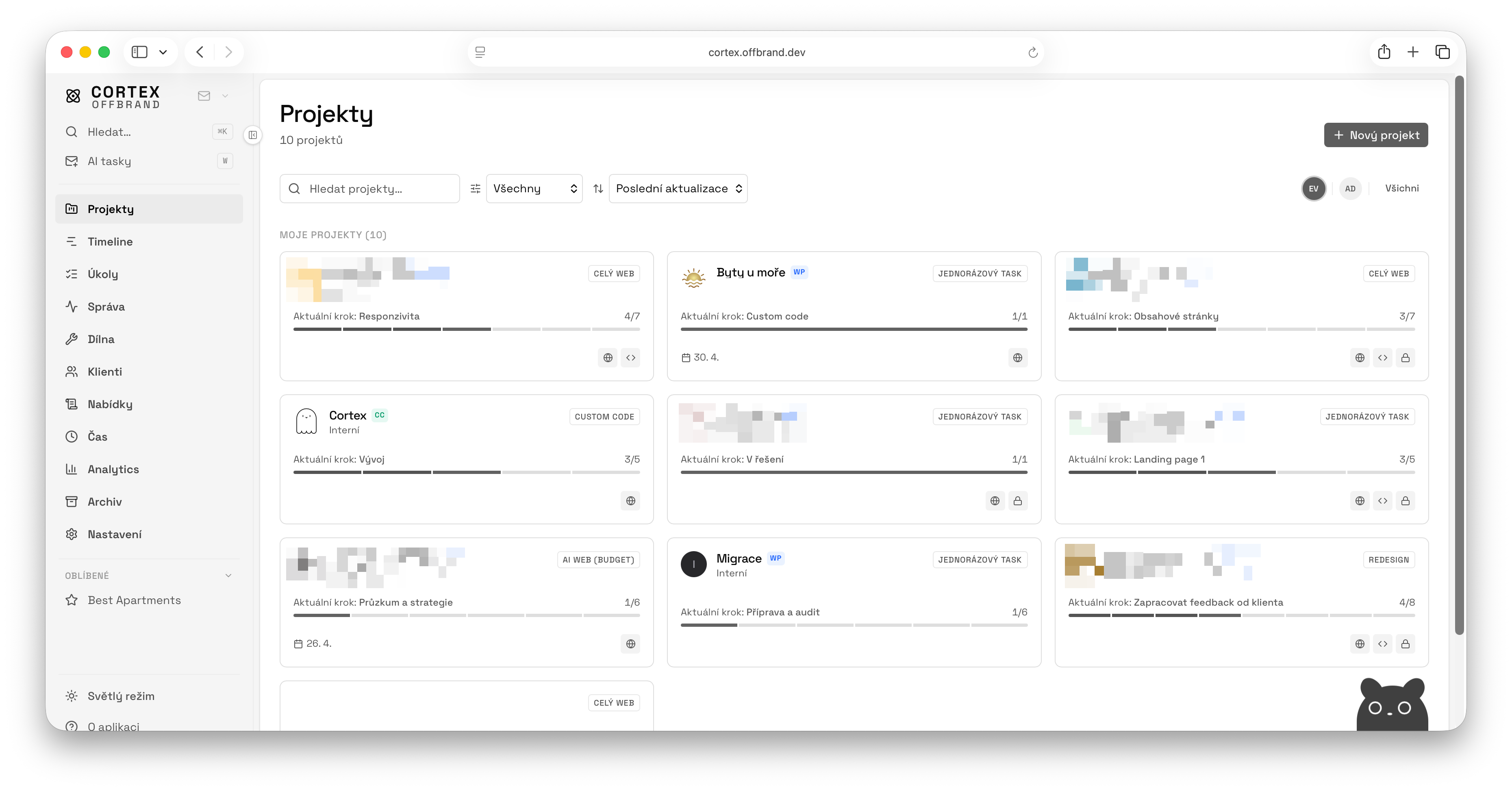
Every project in Cortex moves through clear phases: brief, design, build, launch. I compose the order by the type of engagement. A quick microsite looks different from a booking system with integrations. The phases lead me — I don't have to remember which project is where, I see it.
When I'm waiting on a client, I flip the project into a "waiting" state. Cortex measures how long it's been, and if it drags, it tells me. No task is lost just because I forgot about it.
Time that finds itself
The timer doesn't need me to switch apps and pick a project every time. One keyboard shortcut and the clock lands on whatever I have open. The weekly report shows how many hours went where and how much of it is billable. How we track time →
Tasks unified across everything
One view across all projects, instead of switching between five tools. Kanban when I need to plan the week. Focus mode when I need to mute the rest of the world. When I hit decision paralysis or don't know where to start, AI suggests a top three and briefly says why. It's not always right, but it beats a blank mind at 9 a.m.
AI isn't a replacement. It's a bucket of cold water. It helps me think — the decision stays with me.
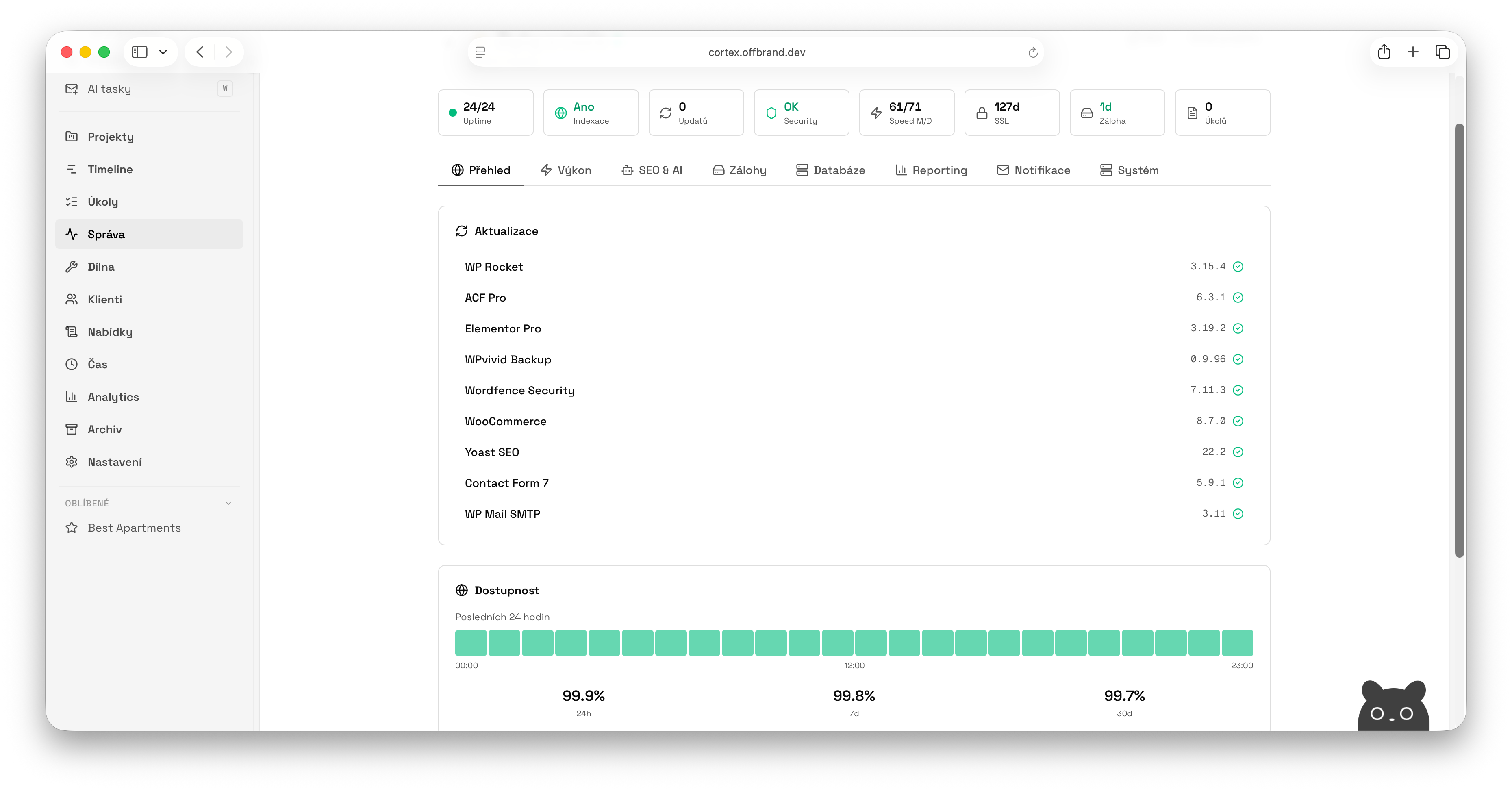
Sites under a magnifier
The sites we take care of have their own overview. On one page I see whether they're running, whether they're waiting on updates, how fast they load, when the last backup was, and whether the certificate is still valid. I open it in the morning, scroll for a minute, and know where to reach first. No going through clients one by one.
Principles this is built around
One context
Client, project, time, tasks. Everything one click away. No hopping between five tabs to piece together what I was supposed to do today.
Process, not a todo list
Phases guide me through the project. I don't have to track where I am. Cortex knows the next step and what's pending.
AI as an assistant
It suggests, prioritises, summarises. But it doesn't decide. The last word belongs to whoever knows the client personally. That's me.
Small tools, joined up
Todoist handles tasks, Cortex Timer and Toggl measure time, pCloud stores assets. Cortex wires them into one context. Every tool does what it does best.
What goes with it
Cortex doesn't try to do everything on its own. It wires together a few proven tools, each doing their thing, and puts them in one place where it makes sense.
- Todoist
- This is where daily tasks live. Whatever I add in Cortex lands in Todoist and vice versa. Both places behave the same.
- Toggl Track
- For time tracking. I hit Play on a project and the timer runs without me switching apps. In retrospect I see how many hours went where.
- Cortex Timer
- A small desktop app of my own. With Toggl I kept hitting pairing limits and quirks. Here the timer pairs directly with the project, starts with one click from the web, and runs without context switching. Honestly also a small experiment in building my own app.
- pCloud
- This is where client assets live. Every project has its folder and the client can upload files via a simple link, no account required.
- GitHub
- Code activity on the project (commits, dev steps) flows straight into Cortex. I don't have to jump to another tab to see what's happening on the site.
- AI assistant
- Helps with task prioritisation, parsing emails, and quick summaries. I also see how much it costs per month — in CZK, not tokens.
- Resend
- Sends emails out: proposals to clients, monthly reports from site maintenance.
Build timeline
For anyone who's curious how this came together. It started in March 2025 and something new lands every month.
- March 2025
Alpha
First working version. Projects overview with clear phases (brief → design → build → launch), client database, a history of who did what when.
- May 2025
Time tracking
Toggl integration. Logged time is cleanly grouped by project, week, and month, plus a short Czech summary of what I actually did that week.
- July 2025
Tasks and the first AI
Todoist tasks flow into a single overview. In the morning the AI suggests where it makes sense to start, with a short why. Fast search via ⌘K so I can jump anywhere with one shortcut.
- September 2025
Focus mode and visual identity
Focus mode arrives — one shortcut and the rest disappears. Around the same time Cortex gets its visual language: clean typography, tunable colours, three density levels so I can sit in it all day.
- November 2025
Workshop
The internal Workshop section: service rate sheets, proven snippets, email templates, internal docs. An overview of WordPress plugins we use and who owns which.
- January 2026
Site maintenance
The Maintenance overview. On one page I see whether sites are up, whether updates are pending, how fast they are, when the last backup ran, and whether the certificate is valid. Each site has a detail with performance, backups, and notifications.
- February 2026
Mail and assets
Incoming emails sort themselves. AI recognises whether it's a lead, a change request, or a task, and suggests what to do. Every project has its own folder in the cloud and the client uploads assets via a simple link.
- April 2026
Team, code, proposals
Cortex opens up to the team. Every project has an owner; tasks can be assigned. A timeline with all deadlines side by side lands. GitHub is wired in (code activity lands directly in the project) along with a proposal builder. Clients approve a quote with one click.
This isn't a SaaS for everyone. It's my system for my agency, built on how I actually work. If you were curious, now you know where I spend most of my day.
Want to see the other pieces? How we track time → · Everything else I work with →